GLOOD / CYCLISTS

Glood

Follow your route and make sense of your training.

Glood brings GPX navigation and ride recording together on iPhone and iPad. Review fitness and fatigue from your ride history, then look through your activities on the companion web dashboard.

Explore the features
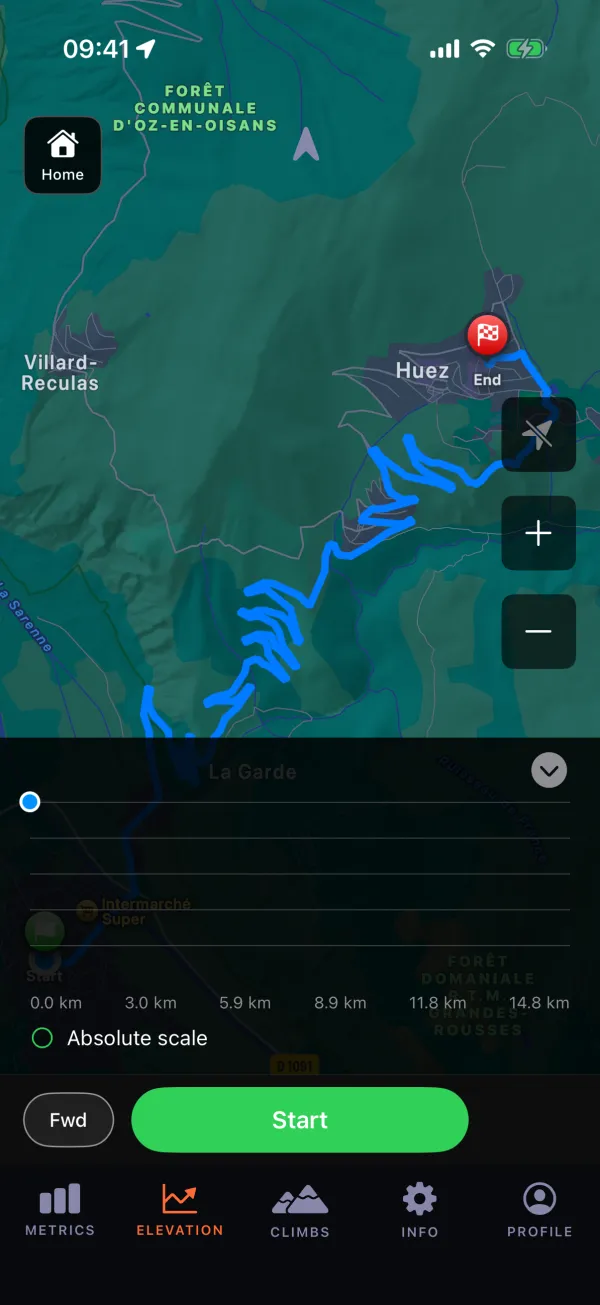
Glood on iPhone: a GPX route following the road’s switchbacks up to Alpe d’Huez, with a Start button.

The problem

One ride often takes three apps: one to follow the route, one to record it, and one to see how it fits your training. Leaving the route on an unfamiliar road means stopping to work out the way back. Glood puts navigation, recording, and training analysis in one app.

Who it’s for

Design personas · not named customers

  • Route-focused cyclists. Following a GPX track and needing help when they leave the route.
  • Riders training towards a goal. Following their effort, fitness, and fatigue over time.
  • Cyclists reviewing at home. Wanting to look through ride maps and charts on a larger screen.

From the route to the ride history.

GPX navigation & recovery

Load a GPX route and follow it during a ride. If you leave the route, off-route guidance helps you find your way back.
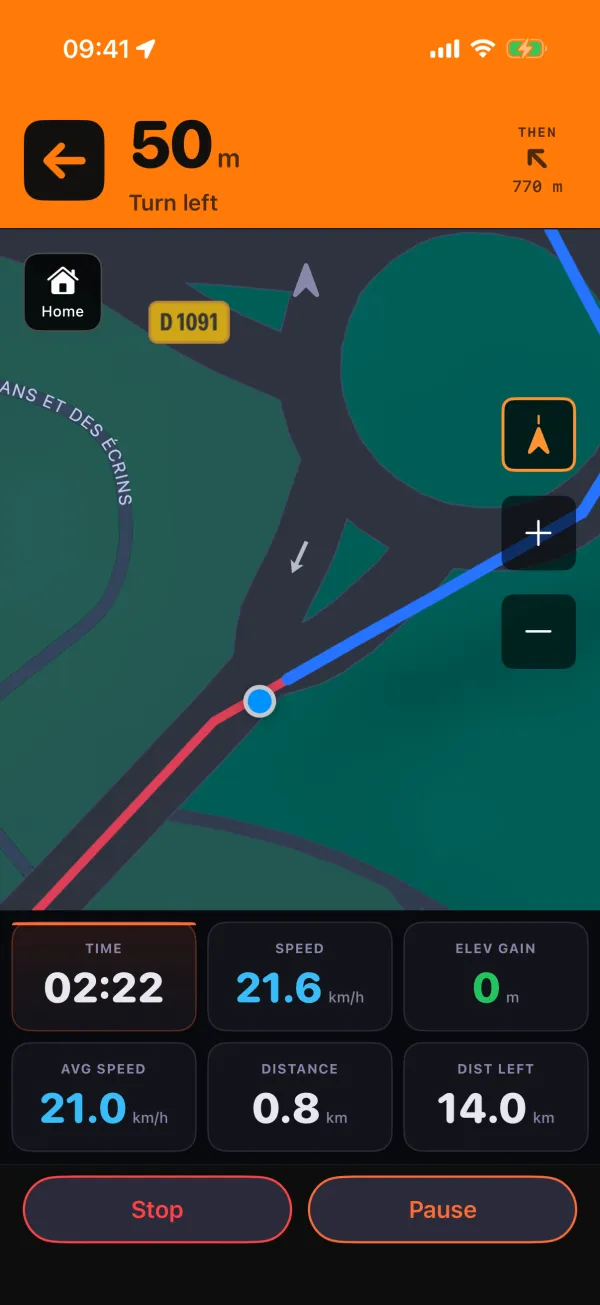
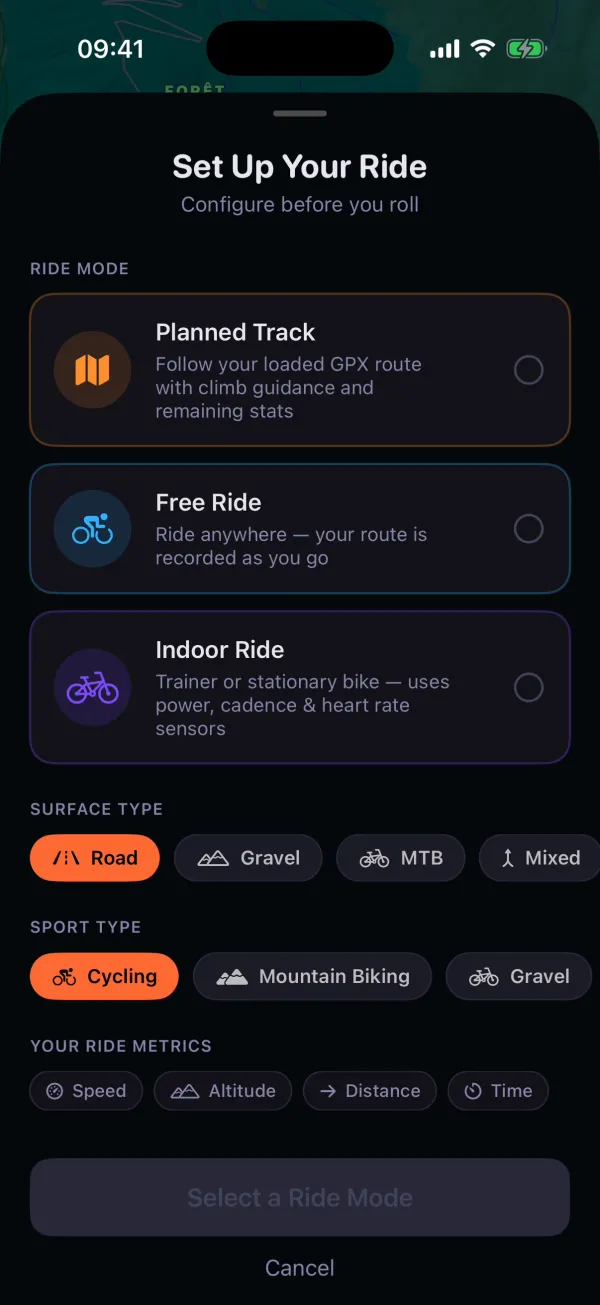
Glood guiding a ride up the road: a turn-left instruction above the map, with time, speed and distance below.Setting up a ride in Glood: follow the loaded GPX route, ride freely, or ride indoors.
2 screens · scroll sideways

Ride recording

Record your ride as you go, then return to the activity afterwards. Keep a history of where you rode and how the ride went.
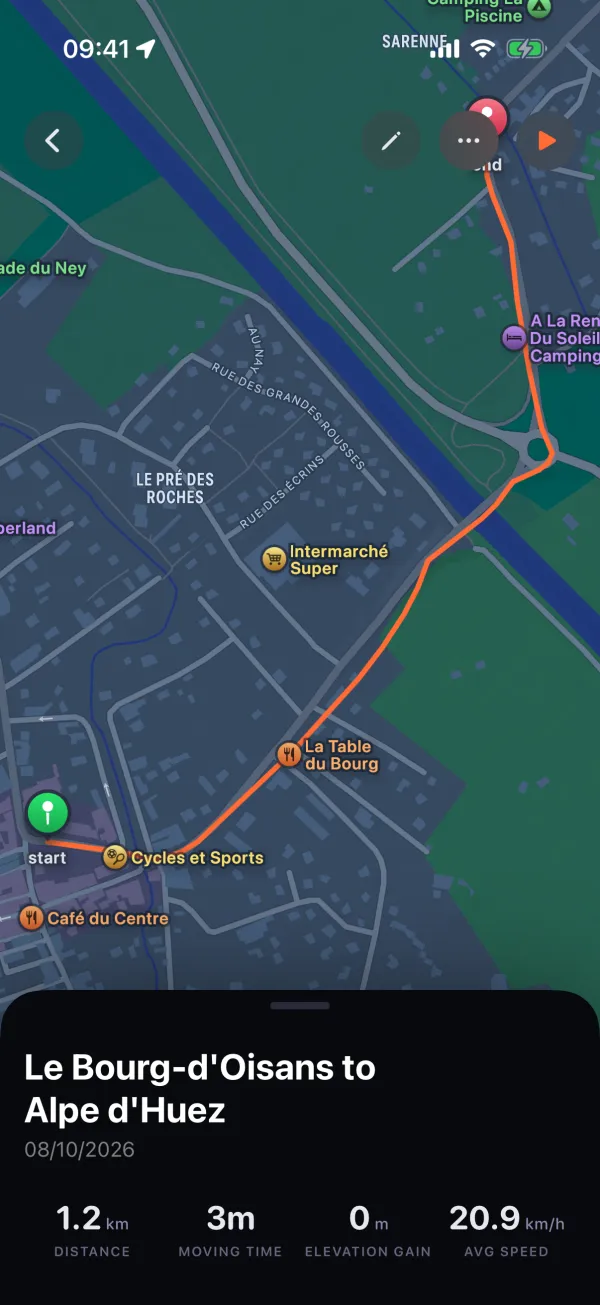
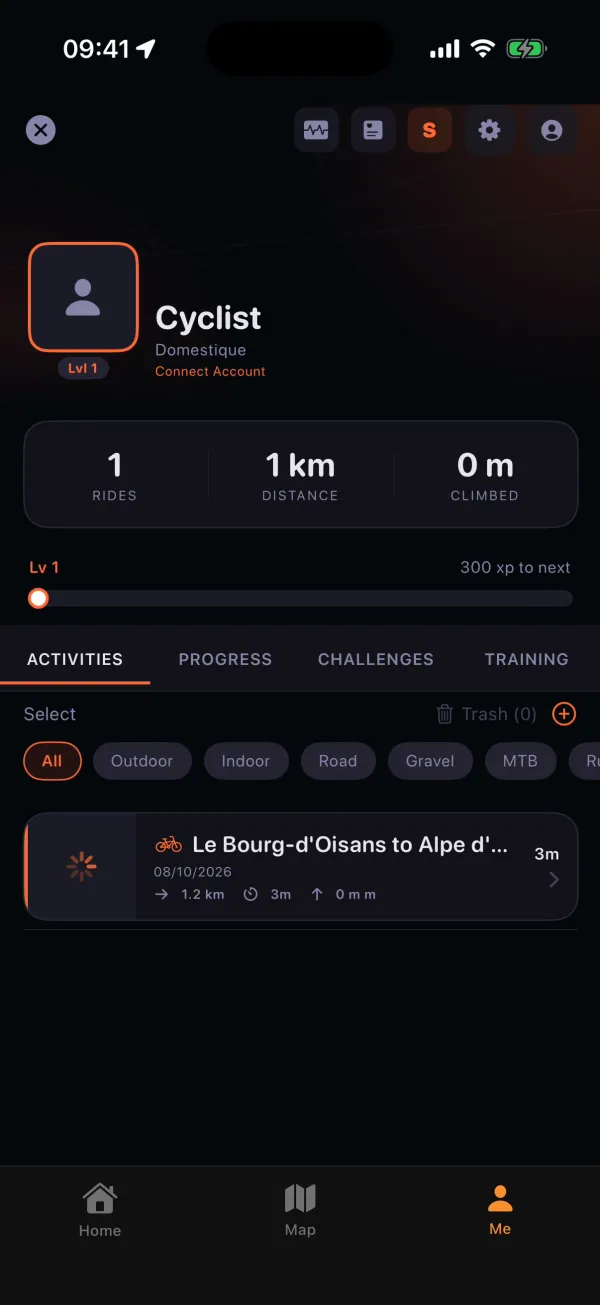
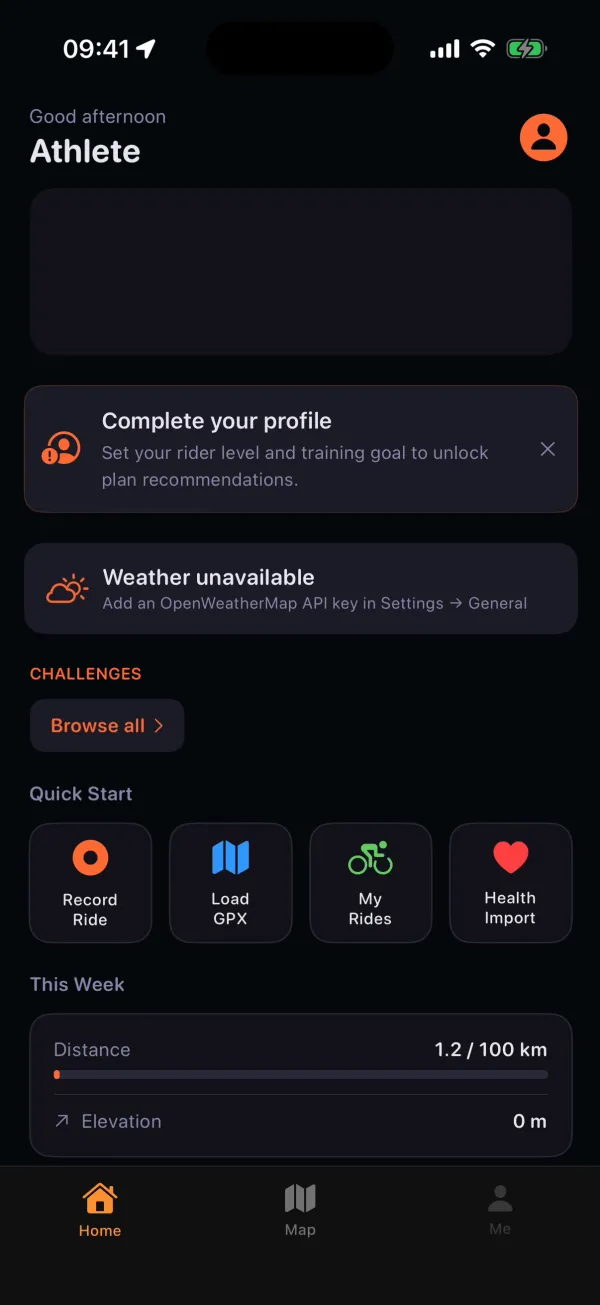
A saved Glood ride from Le Bourg-d’Oisans towards Alpe d’Huez: the route on the map, with distance, moving time and average speed.The rider’s activity list in Glood, with the saved ride and its distance and time.Glood’s home screen: quick start buttons to record a ride or load a GPX file, and this week’s distance.
3 screens · scroll sideways

Training & fitness

Follow a structured training plan, and review training load alongside fitness, fatigue, and form. See how recent rides contribute to your training, rather than looking at each ride alone.
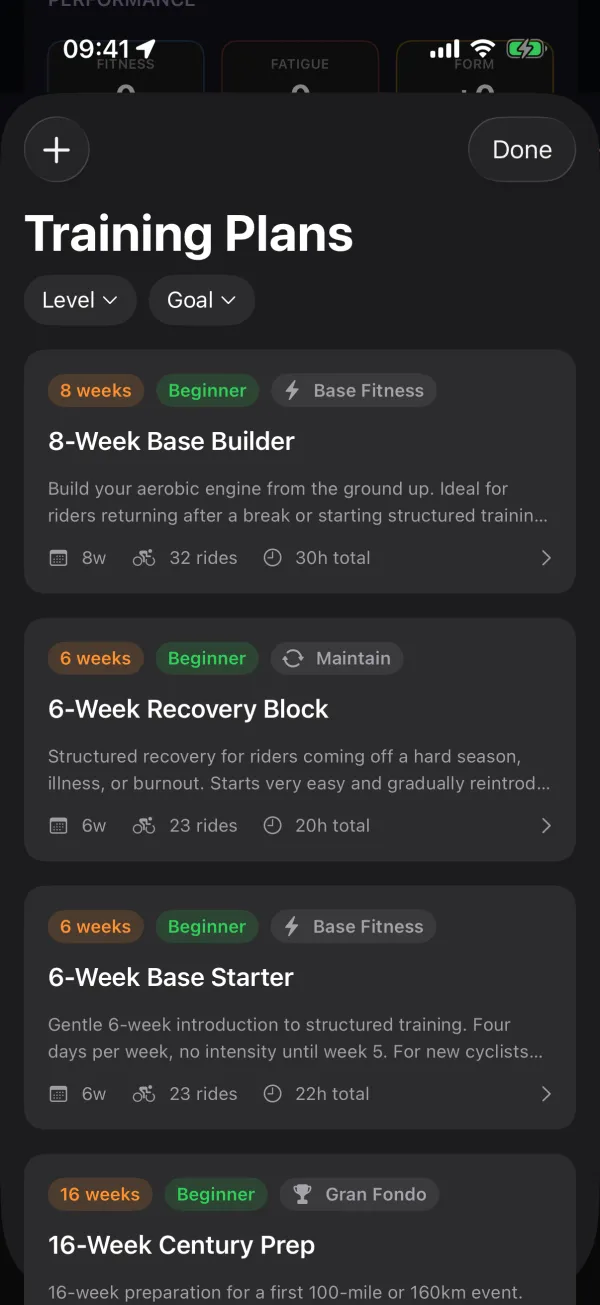
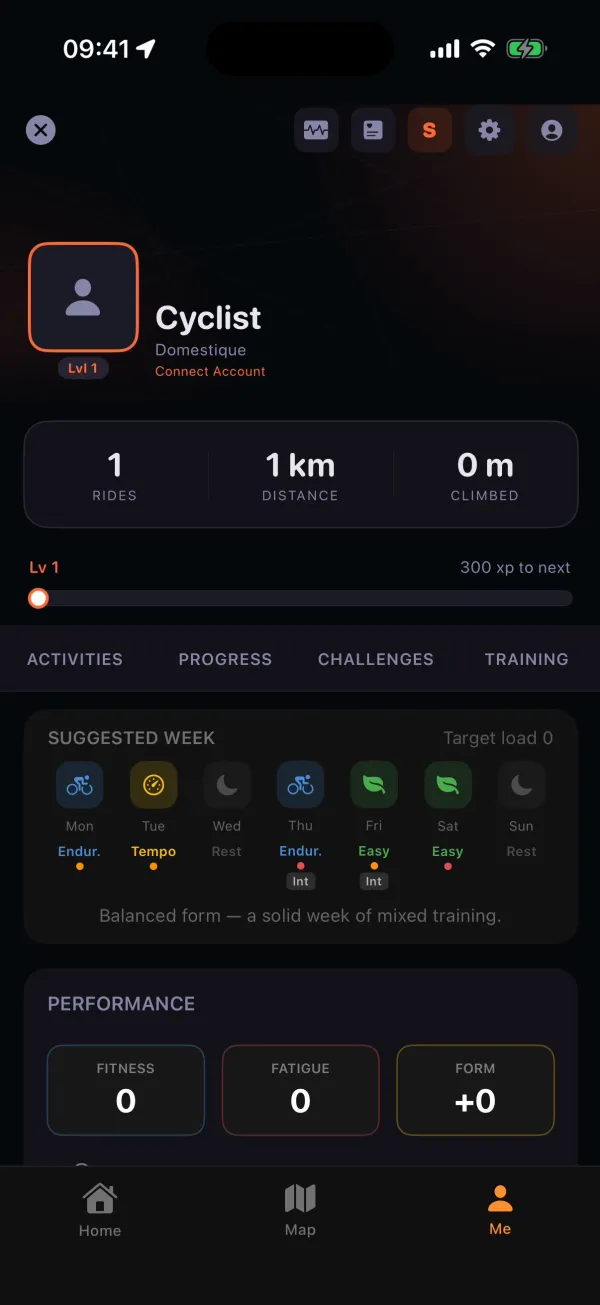
Glood’s training plan library, filtered by level and goal, with plans such as the 8-Week Base Builder.Glood’s training view: a suggested week of rides and the rider’s fitness, fatigue and form.
2 screens · scroll sideways

Web dashboard

Review your activity list, route maps, and charts on a larger screen. The companion dashboard gives you another way to look through your rides after you get home.
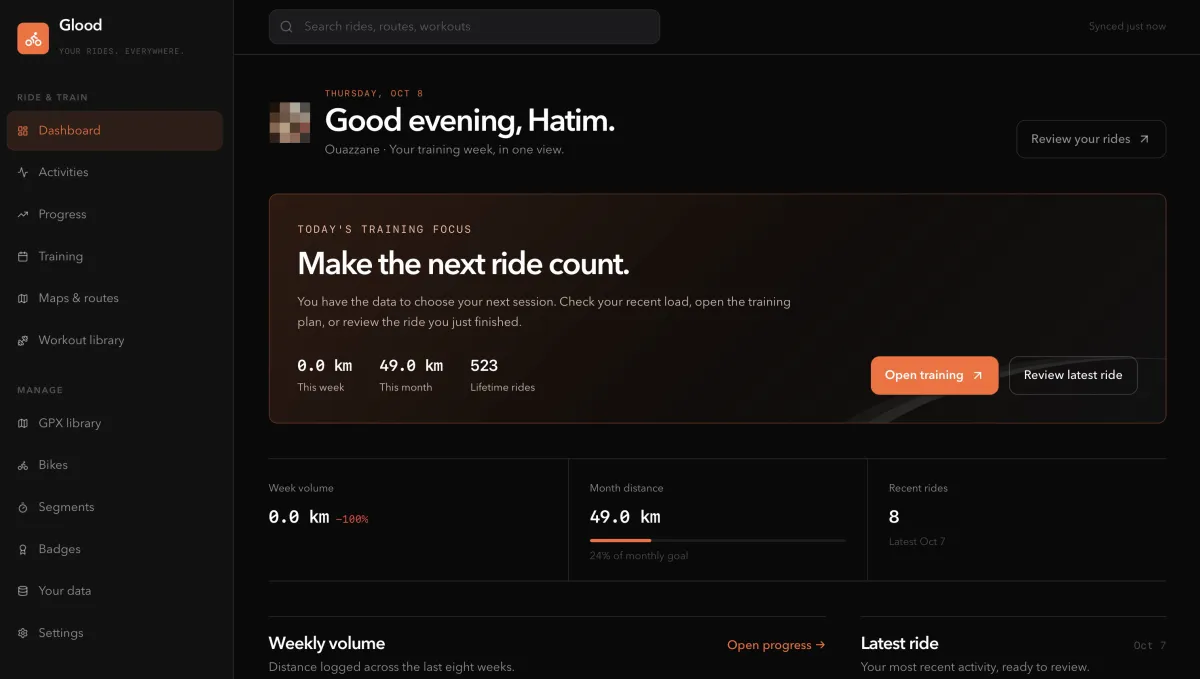
Glood’s web dashboard in a browser: today’s training focus, this week’s and this month’s distance, lifetime rides, and recent rides. The profile photo is blurred.

How it works

  1. Choose the route. Load a GPX track to follow on your ride.
  2. Keep a local ride history. Activity data is stored on your device.
  3. Protected at the database. Every table in the online database has access rules switched on.

Planned with Claude

Understand what to ride next. A planned Claude coach would read a rider’s own ride history and plan, then explain a suggested next ride and why it fits.

This would be an optional layer alongside the existing ride tools.

See it in use

A synthetic ride on a fresh iPhone simulator, about 80 seconds. Captions mark the sped-up parts.